
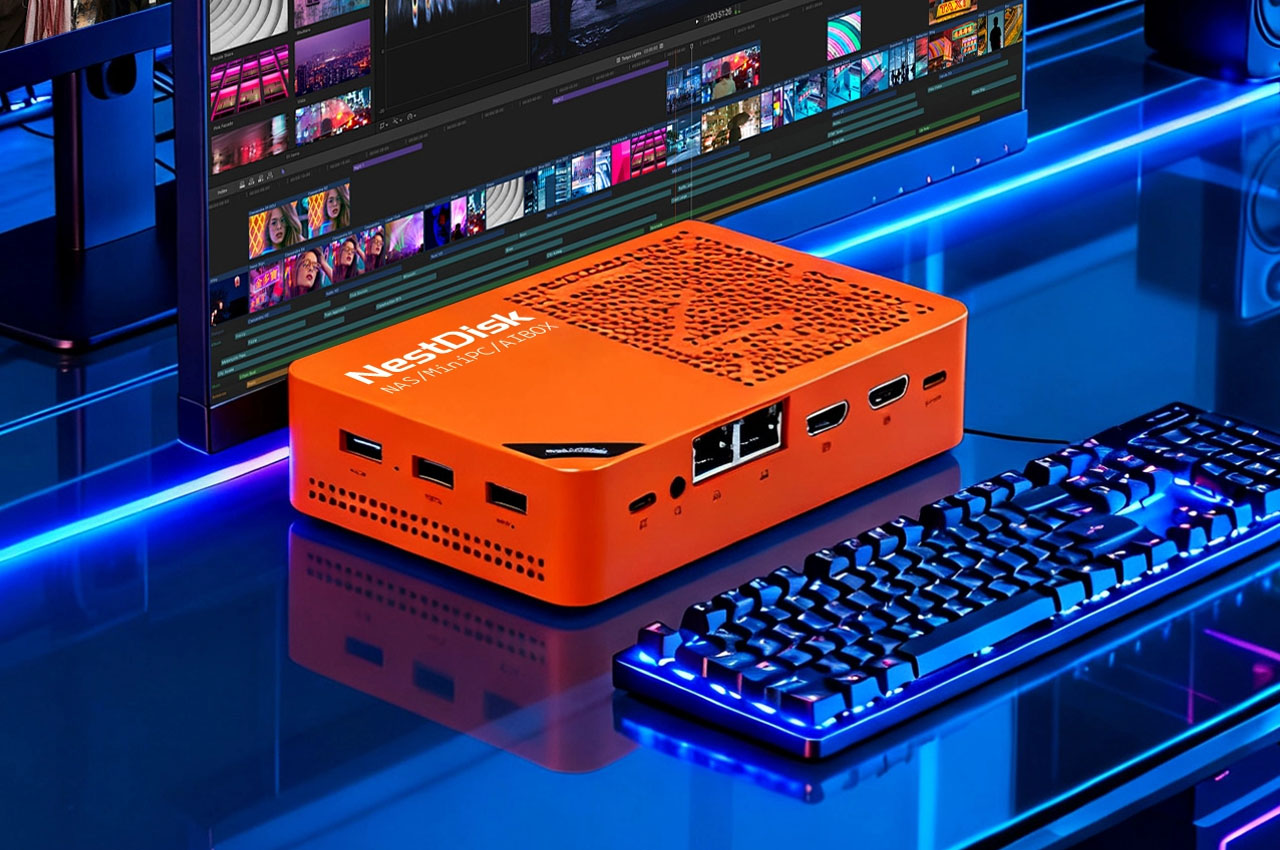
The youyeetoo NestDisk Mini PC NAS is a compact, palm-sized system that combines the functionality of a mini PC and a NAS (Network Attached Storage) device, encapsulating storage, networking, and computing in a single enclosure. According to its product page, it aims to deliver “small size to carry full functions,” offering a versatile package for users seeking efficient use of space without sacrificing power or flexibility.
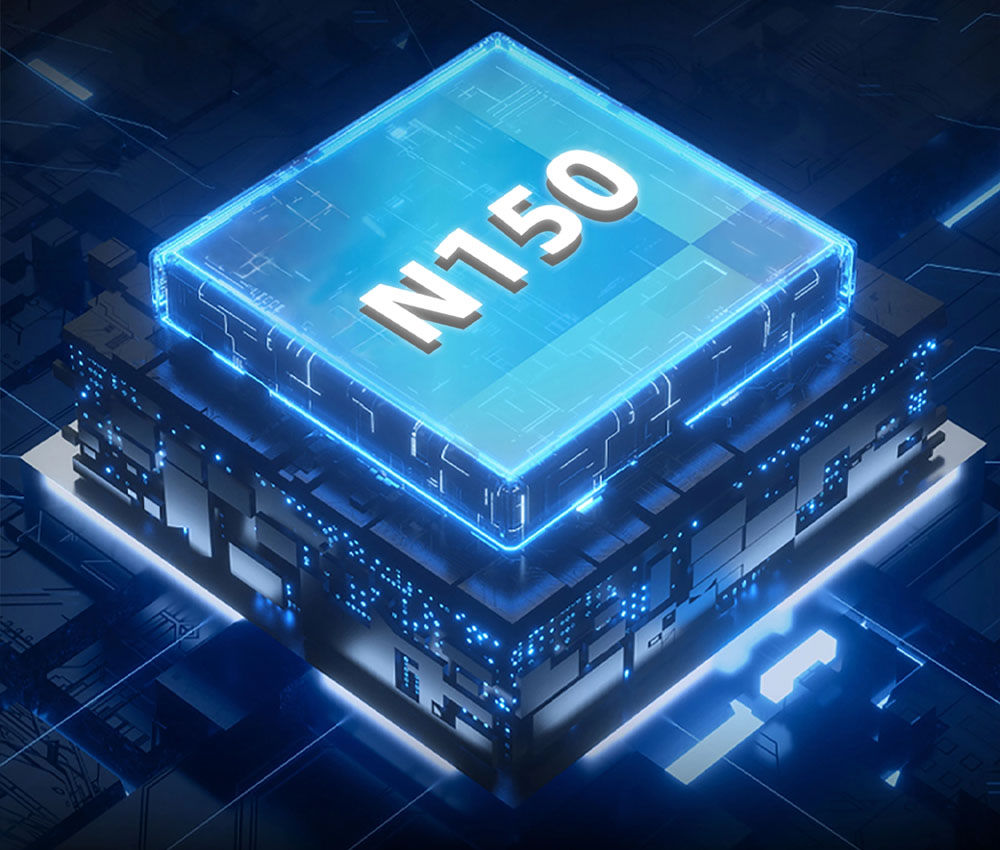
At its heart, it uses an Intel N150 quad-core processor (part of Intel’s Alder Lake-N family), together with 12 GB LPDDR5 RAM in the standard configuration, providing enough performance for NAS duties, light office workloads, media serving, or home-lab applications.
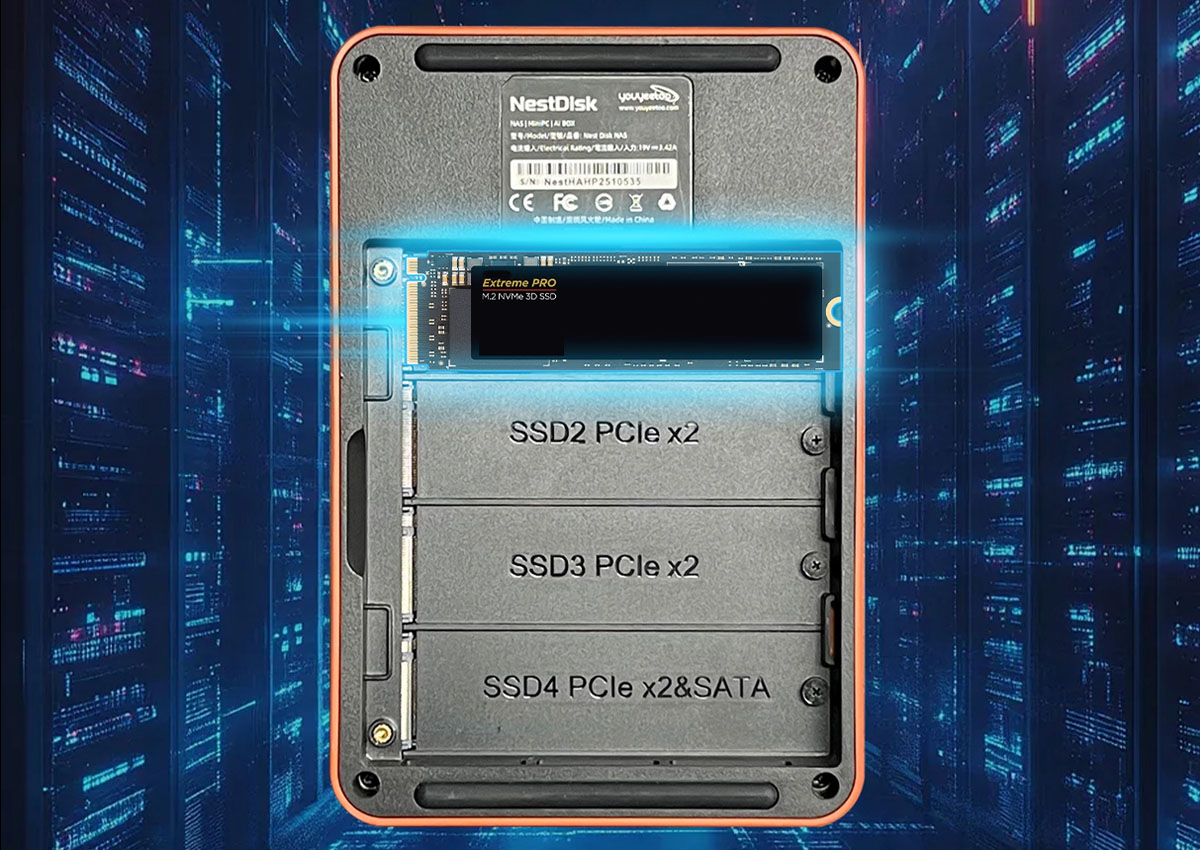
Storage, connectivity, and expansion:
The defining feature of NestDisk over several mini PCs is that it has four M.2 2280 drives (NVMe) that can be used; with enough room, users can fit in multiple NVMe SSDs to achieve speeds in excess of 1000 Mbps and a high capacity of GB up to 4 GB (4000 images). It also has an inbuilt 64 GB eMMC that can be used as the operating disk of the system.
NestDisk has 2.5 GbE dual Ethernet ports on the networking side, which is why it is possible to use the device as a gateway, router, or networked storage server. In the case of peripherals and displays, it offers two HDMI 2.0 connections and a USB-C (entirely operational) connection (DisplayPort + Power Delivery) so that users can simply connect monitors and other imaging devices. Additional ports include a number of USB 3.2 Gen2 ports and an audio jack of 3.5 mm. For your reference, you can check out our Mini PC section.
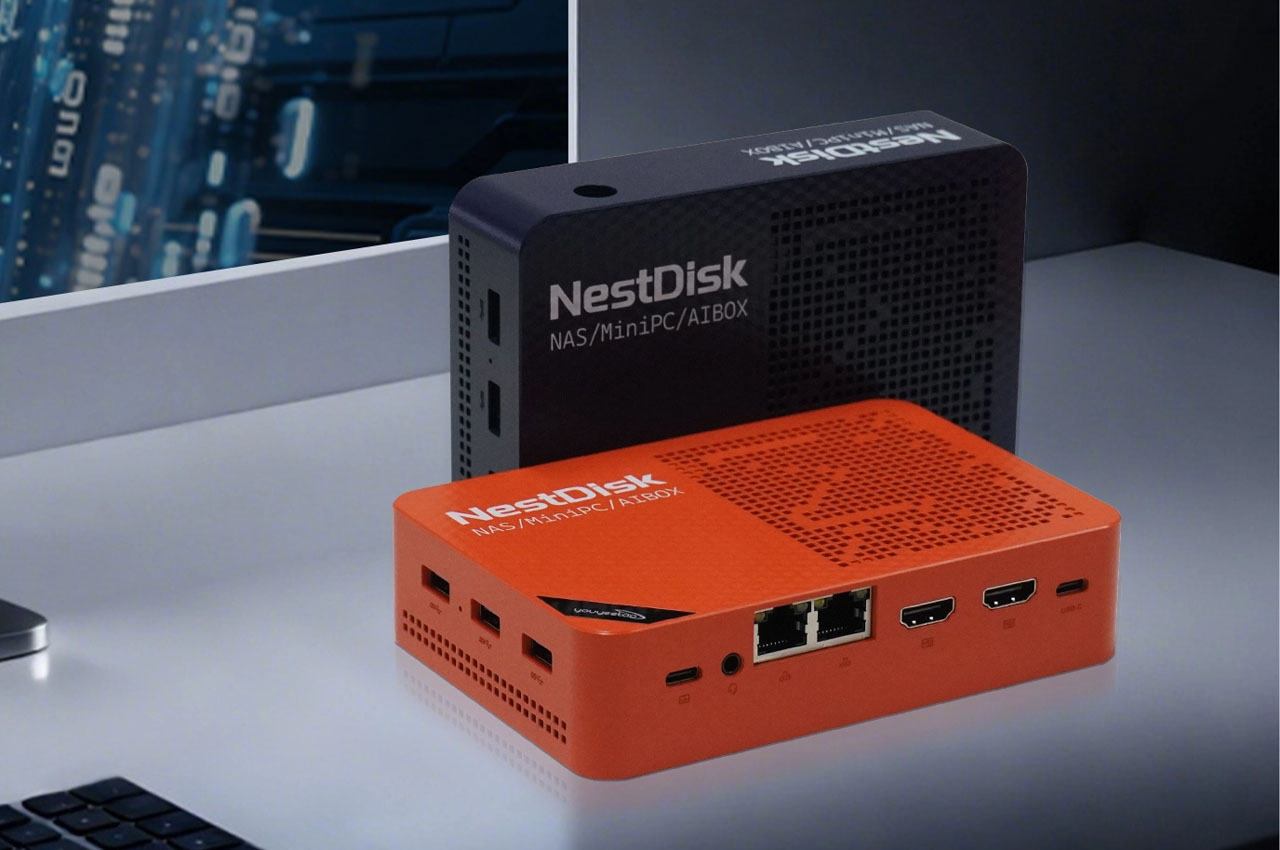
Multiple roles in one box
Thanks to its mix of storage, networking and computing, NestDisk can serve several roles:
- As a private cloud / personal NAS, hosting media, backups, or file storage using solutions like Nextcloud / ownCloud or with NAS-oriented OSes like OpenMediaVault.
- As a soft-router or gateway/firewall, thanks to dual Ethernet, possible Wi-Fi/Bluetooth support, enabling bandwidth control, VPN, or network filtering.
- As a mini office PC or media server, given the CPU and graphics capabilities (Intel UHD integrated), alongside triple-display output (HDMI + USB-C).
- As a homelab server or container/VM host, due to the support of virtualisation (e.g. with the help of KVM or Docker) over Linux-based OS.
The versatility of the NestDisk places it in a good position to serve home laboratories or small offices, or tech-based users who are willing to unite several functions into one box that will incur low power consumption and usage.
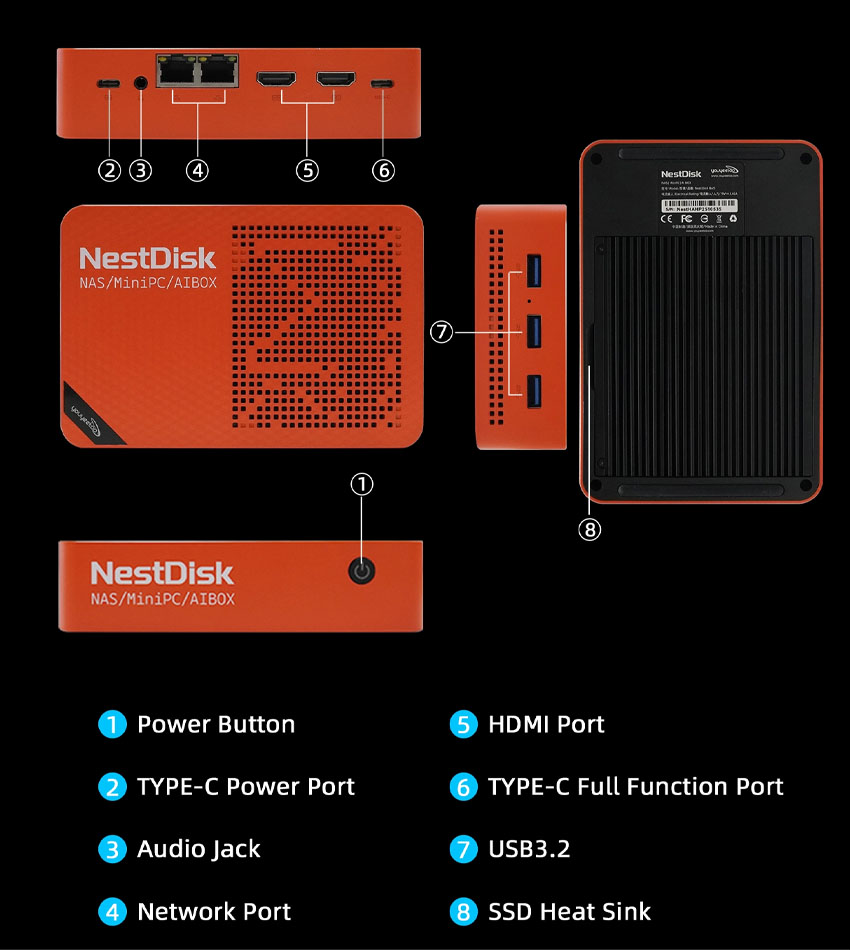
Design and power efficiency:
Despite supporting multiple NVMe drives and being feature-rich, the NestDisk remains physically compact, more like an external drive than a bulky server, which helps in tight spaces or small desks. The Intel N150 CPU is part of Intel’s low-power “N” line, offering adequate compute for server tasks while keeping energy consumption low, making it suitable as a 24/7 server with minimal electricity overhead. Cooling is achieved with an internal 30 mm fan plus SSD heatsinks, intended to handle sustained loads without overheating, a key consideration when multiple NVMe SSDs are installed.
Who should consider NestDisk and potential caveats
The NestDisk makes sense for:
- Home users want a private cloud / centralised storage for photos, media, and backups.
- Small offices needing lightweight network storage + router + server in one compact box.
- Enthusiasts / homelab hobbyists who want flexible deployment (NAS, virtualisation, media server, firewall).
- Users with space constraints or a preference for low-power, compact, multipurpose hardware.
With this said, with some users getting reports of (ex, when testing in communities) the entire NVMe slots being driven through a single PCIe bus, the ability to install multiple drives will potentially cause performance to be selectively capped with full load compared to a dedicated server. In media streaming, where the media is being backed up, or there is a small workload, this factor is often not an issue, but in the case of intense concurrent workloads, this aspect needs to be considered.
Software Support
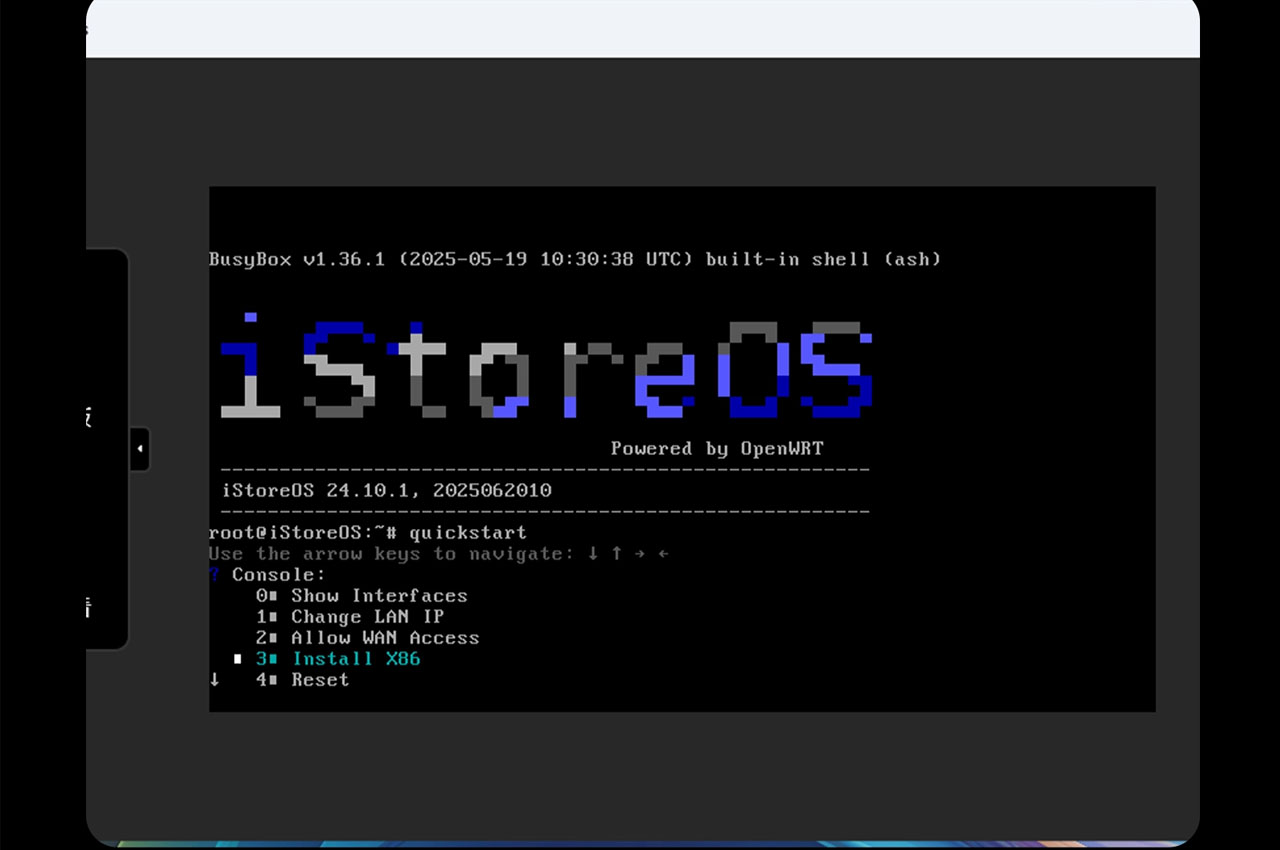
The NestDisk has a big operating system status, allowing its users the opportunity to customise the NestDisk to suit various working loads. It is able to operate Windows, Ubuntu, Debian, as well as other Linux versions, and this makes it fit in office, home servers and development environments. In NAS-oriented solutions, it is compatible with the OpenMediaVault, TrueNAS SCALE, best kept secret Unraid and storage-centric systems, and enables RAID configurations, file sharing, and streamlining media. It is also compatible with such virtualisation tools as Docker, Portainer, and lightweight VMs to use in a homelab. With dual 2.5GbE and multiple NVMe bays, the device performs well under these systems, giving users a flexible and reliable software ecosystem out of the box.
The youyeetoo NestDisk Mini PC NAS is priced at around ¥30,780 on the official store, which is roughly $209–$260 for the barebone model with 12GB DDR5 and 64GB eMMC. Some configurations, especially the blue enclosure variant, are currently listed as coming soon and may take about a month to restock. Availability is mainly through the official Youyeetoo website, and international buyers, including those in India, may need to factor in shipping and customs charges since local retailers don’t widely stock it yet.
 Debashis Das